Students who have previously attended an ABT Training Program or audition may use their previous login credentials to log in to the Student Portal. Please click “Log In” at the top right corner.
Step One: Register for the ABT Portal
- If you are new to ABT’s Summer Training Programs:
- Complete all required fields for your student and household. The email listed for the student will be used for all primary communication.
- Submit your portal registration.
- Check your email for login instructions and to set your password.
Step Two: Register for the Program
- Once logged in, navigate to the “Upcoming Programs” page.
- Select the Training Experience program by selecting the circle next to the listing and scrolling to the bottom to click “View Sessions”
- Confirm the session information is correct.
- Select the session and click “Enroll” to complete your registration and pay the enrollment fee.
- You will receive a confirmation email and a receipt email upon successful registration.
Additional Steps if Necessary:
- Your registration will now be listed under “My Enrollments” with the status of “Confirmed”. (Please note that the status of Preliminary does not qualify as a successful registration.)
- If you would like to register an additional sibling/family member, please navigate to “My Profile” and click “Add Contact to Household”
For any issues with your registration, please contact Portal@abt.org.

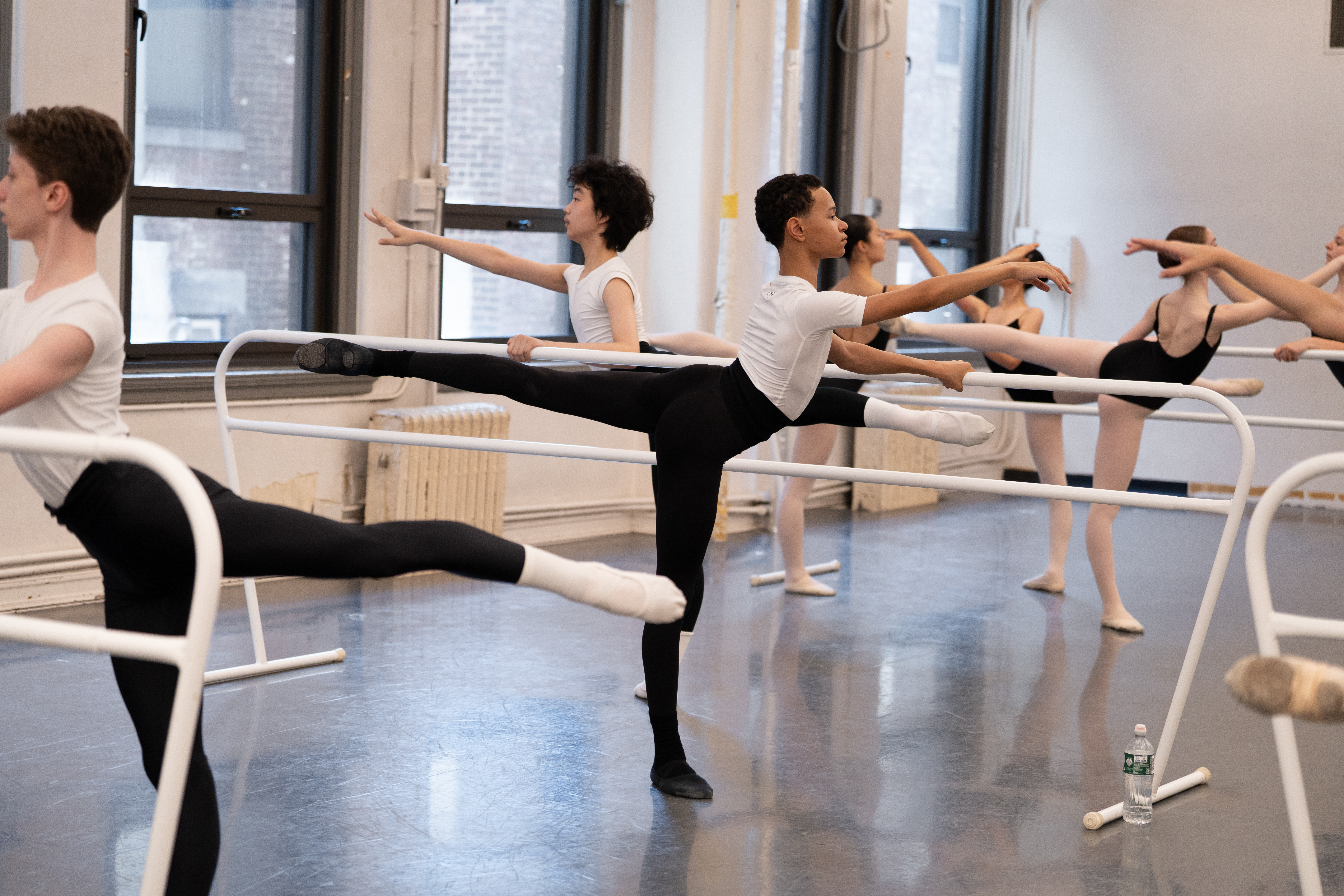
 Photo: Emma Zordan.